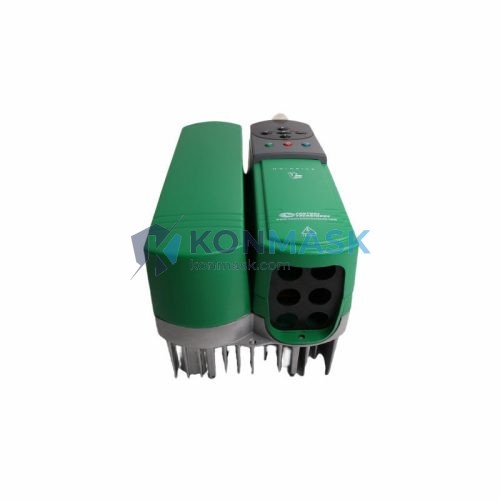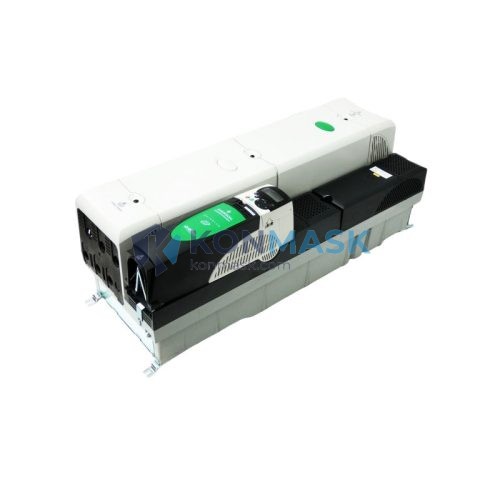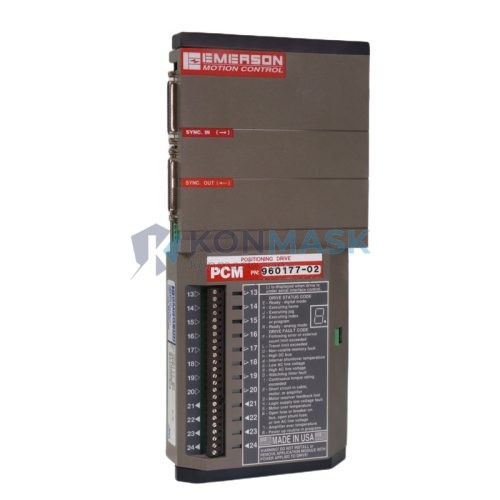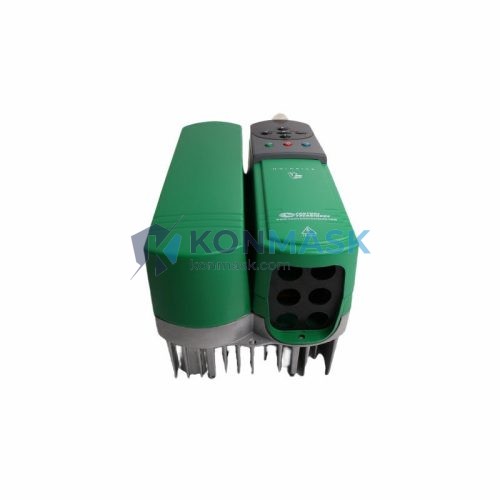

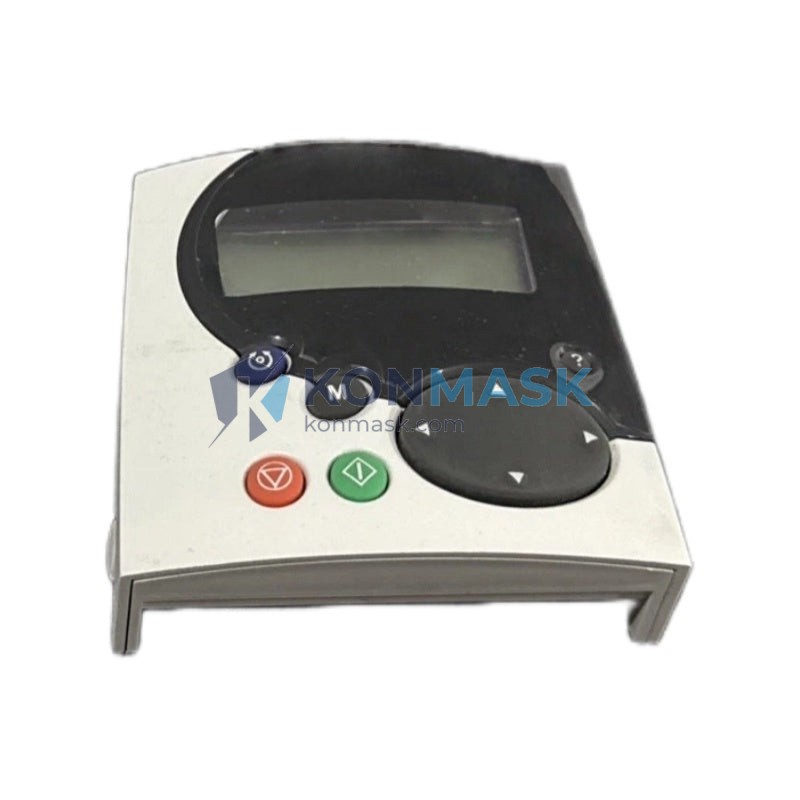
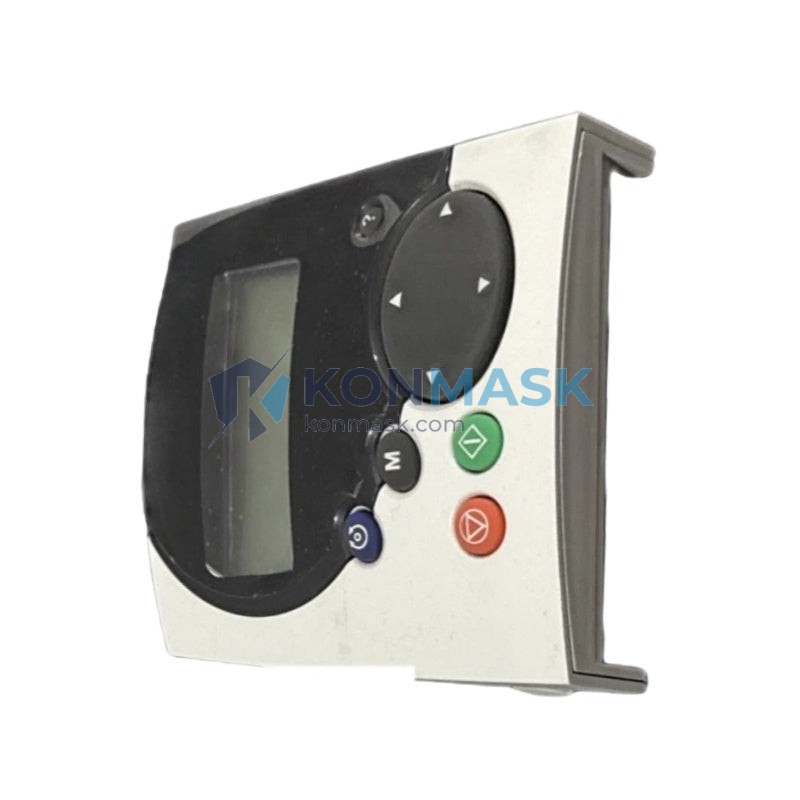
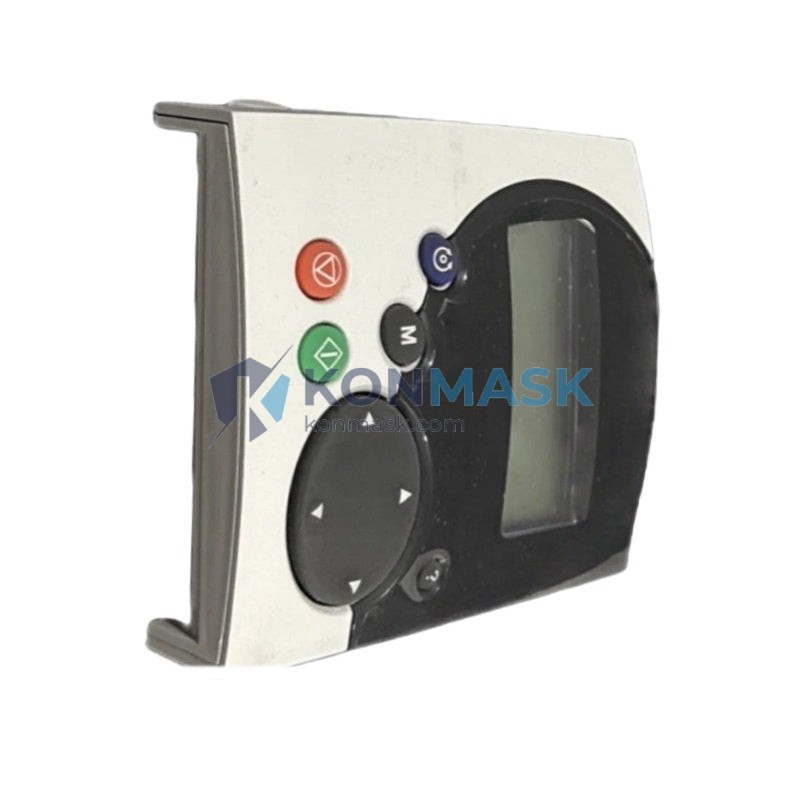
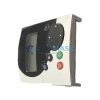
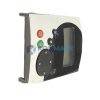
Control Techniques SM-Keypad Plus STDO32 Interface Option Module | Replacement, Equivalent & Selection Guide
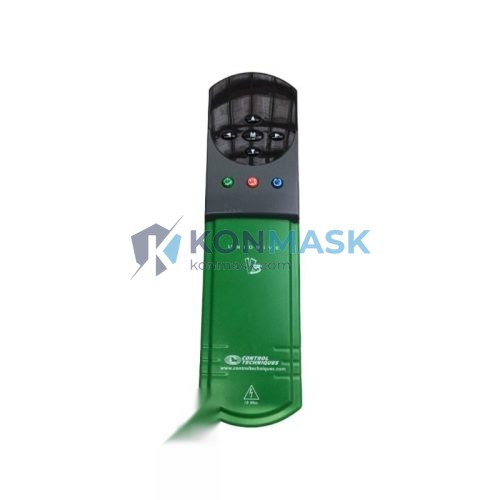
The Control Techniques SM-Keypad Plus STDO32 is a plug-in interface option module designed for the Unidrive SP and Unidrive M series variable-speed drives. It provides a full-featured keypad interface with a backlit LCD display, enabling on-drive parameter programming, real-time diagnostics, and parameter cloning — without the need for a PC or external software. As a critical human-machine interface (HMI) component in drive-based automation systems, the STDO32 is widely specified by OEMs, system integrators, and maintenance engineers across industrial sectors.
Technical Specifications
| Parameter | Value |
|---|---|
| Part Number | STDO32 |
| Product Name | SM-Keypad Plus |
| Manufacturer | Control Techniques (Nidec) |
| Compatible Drive Series | Unidrive SP, Unidrive M |
| Display | Backlit LCD, 4-line × 20-character |
| Interface Type | Plug-in option module (SM slot) |
| Parameter Copy Function | Yes — upload/download to/from drive |
| Real-Time Clock | Yes (with battery backup) |
| Navigation | Dedicated function keys + scroll wheel |
| IP Rating | IP54 (front face when panel-mounted) |
| Operating Temperature | 0 °C to +50 °C |
| Weight | Approx. 200 g |
| Approvals | CE, UL |
Compatible Replacement & Equivalent Models
When sourcing a replacement for the STDO32, engineers must verify mechanical fit (SM-slot form factor), display compatibility, and firmware revision. The following models are commonly evaluated:
- STDO32 (SM-Keypad Plus) — OEM original; full feature set including RTC and parameter clone
- SM-Keypad (without “Plus”) — Basic keypad, no RTC or backlit LCD; functional substitute for simple parameter access only
- Leroy-Somer / Emerson equivalents — Verify SM-slot pinout compatibility before substitution
- Third-party LCD keypads — May lack parameter clone or RTC; confirm firmware handshake with drive version
Konmask supplies genuine Control Techniques STDO32 modules. Contact us to confirm cross-reference compatibility for your specific drive firmware version.
Why Choose the Original Model
- Full parameter access: Browse and edit all drive parameters directly on the LCD without a laptop or software license
- Parameter cloning: Upload drive parameters to the keypad memory and download to replacement drives — critical for rapid commissioning and disaster recovery
- Real-time clock: Enables time-stamped fault logging for predictive maintenance and root-cause analysis
- IP54 front face: Suitable for panel-door mounting in industrial enclosures with dust and splash exposure
- Plug-and-play SM slot: No tools or wiring required — snaps into any SM option slot on Unidrive SP/M
- Firmware-native integration: Guaranteed compatibility with all Unidrive SP/M firmware revisions; no driver conflicts
Typical Applications
- Pump & Fan Control: HVAC systems, water treatment plants, and cooling towers where on-site parameter adjustment is required without laptop access
- Conveyor & Material Handling: Distribution centers and manufacturing lines requiring quick speed reference changes and fault readout at the drive
- Compressor Drives: Oil & gas and refrigeration compressors where RTC-based fault logging supports maintenance scheduling
- Crane & Hoist Systems: Port and overhead crane applications needing IP54-rated local HMI for outdoor enclosures
- Machine Tool Spindles: CNC and machining centers where parameter cloning accelerates drive replacement during unplanned downtime
- OEM Panel Builds: System integrators embedding Unidrive SP/M with a panel-mounted keypad for end-user parameter access
System Compatibility
- Unidrive SP: All frame sizes (1–6), all firmware versions — full compatibility
- Unidrive M: M200, M300, M400, M600, M700, M800 — verify SM-slot availability per frame
- Digitax ST: Compatible via SM option slot
- Mentor MP: Not compatible — different option slot architecture
- Commander SK / C200: Not compatible — no SM slot
Always confirm the drive’s SM option slot count and firmware version before ordering. Contact Konmask for a compatibility check.
Selection Guide
| Requirement | Recommended Model | Notes |
|---|---|---|
| Full parameter access + RTC + clone | STDO32 (SM-Keypad Plus) | Best choice for commissioning & maintenance |
| Basic parameter access only | SM-Keypad (standard) | No RTC; no backlit LCD |
| Remote panel mounting (IP54) | STDO32 (SM-Keypad Plus) | IP54 front face; requires remote mounting kit |
| PC-based commissioning preferred | SM-Applications / CT Soft | Software-based alternative; no keypad needed |
| Multi-drive parameter management | STDO32 + CT Soft | Clone via keypad; archive via software |
Quality Assurance & Sourcing
- Genuine OEM parts: All STDO32 modules supplied by Konmask are sourced from authorized Control Techniques / Nidec distribution channels
- Inspection protocol: Each unit undergoes visual inspection, connector integrity check, and firmware version verification before dispatch
- Traceability: Batch records and serial numbers maintained for full supply-chain traceability
- Warranty: 12-month warranty against manufacturing defects; DOA replacement within 7 business days
- Anti-counterfeit: Holographic OEM labels verified; counterfeit units rejected at intake
How to Order
- Confirm your drive model and firmware version (found on drive nameplate or parameter 11.29)
- Verify SM option slot availability on your drive frame
- Contact Konmask via email or phone with your drive serial number for compatibility confirmation
- Place order — standard lead time 3–7 business days; expedited options available
- Receive genuine STDO32 with OEM packaging, documentation, and Konmask inspection certificate
Email: support@konmask.com | Phone: +0086 19859288691
Replacement & Compatibility FAQ
Q: Can the STDO32 replace a standard SM-Keypad (non-Plus)?
A: Yes. The STDO32 is a direct plug-in replacement and adds RTC and parameter clone functionality. No drive configuration change is required.
Q: Will the STDO32 work with Unidrive M series drives?
A: Yes, for M-series frames with an SM option slot (M600, M700, M800). M200/M300/M400 have a different keypad interface — verify before ordering.
Q: Can I use the STDO32 to copy parameters between two different Unidrive SP drives?
A: Yes. Upload parameters from Drive A to the keypad memory, then download to Drive B. Ensure both drives share the same firmware version for full parameter compatibility.
Q: Is the STDO32 compatible with third-party drives using SM-slot form factor?
A: The SM-slot is proprietary to Control Techniques. Third-party drives claiming SM compatibility should be verified against the STDO32 pinout specification before use.
Q: What is the difference between STDO32 and the remote keypad (RTC)?
A: The STDO32 mounts directly into the drive’s SM slot or on a panel door via a remote mounting kit. The remote keypad cable (RJ45) connects the STDO32 to the drive’s keypad port — a separate accessory.
© 2026 Konmask.com. All rights reserved.
Original Source: https://Konmask.com
Contact: support@konmask.com | +0086 19859288691