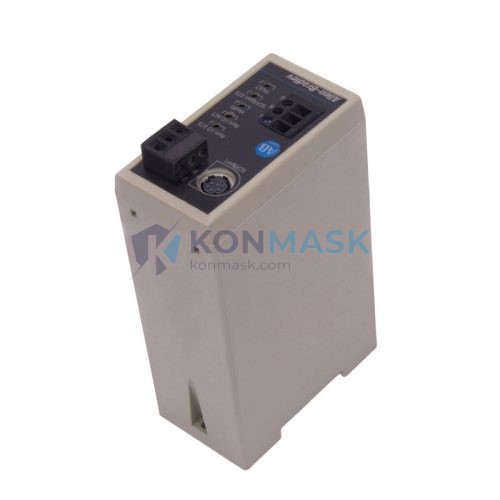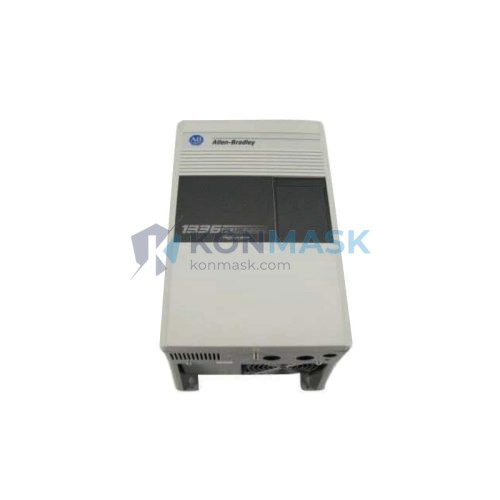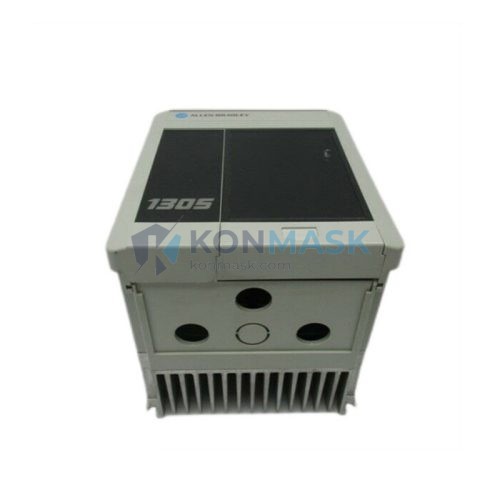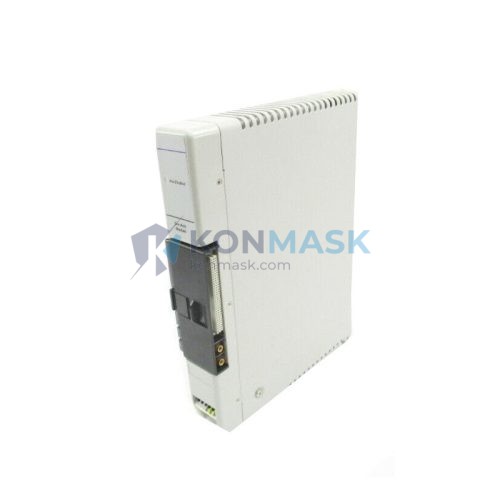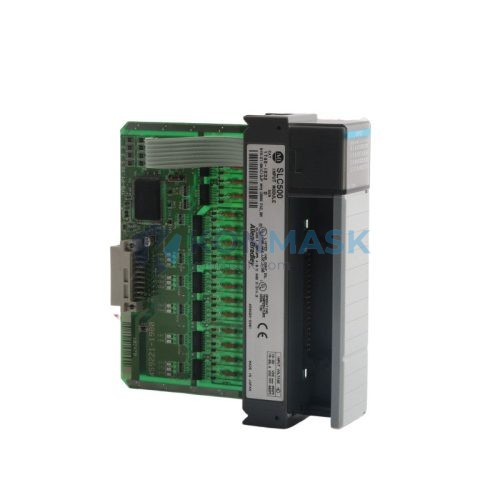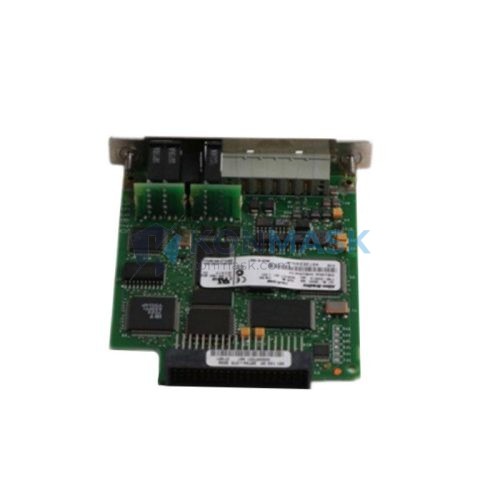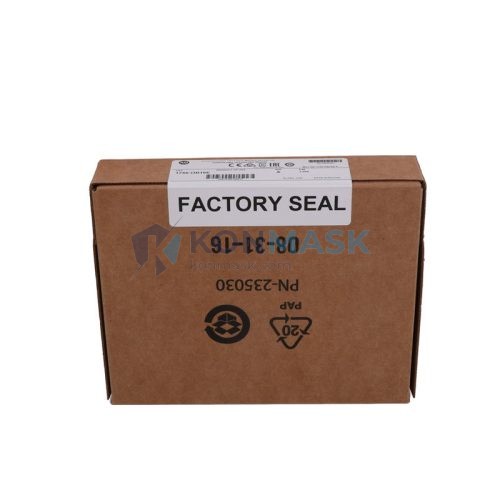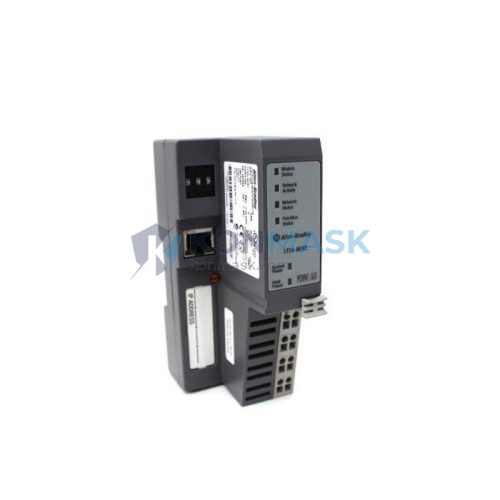

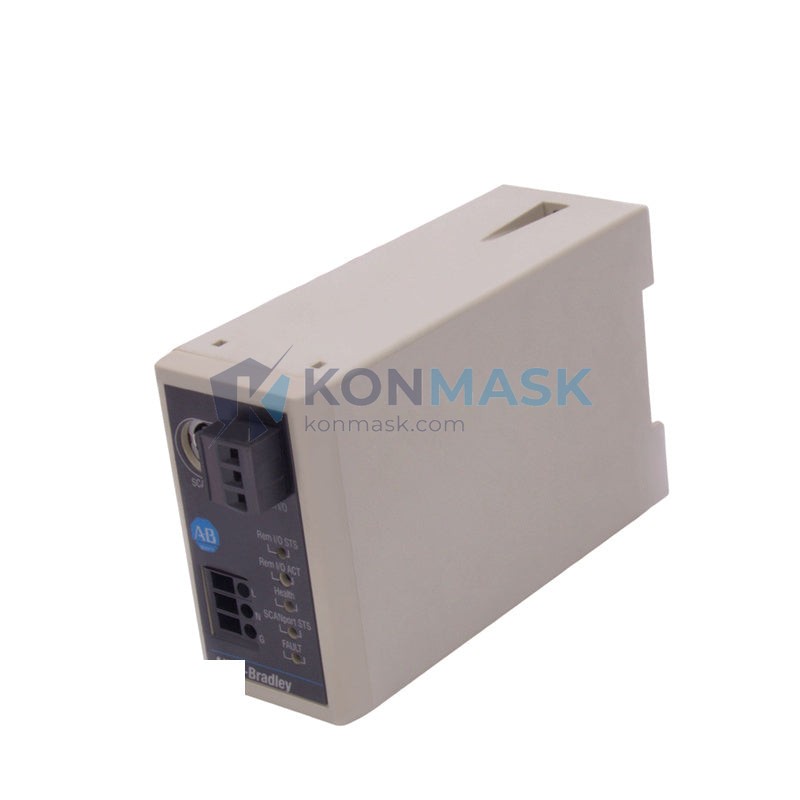
Allen-Bradley 1203-GU6 – DeviceNet to SCANport Communication Adapter | 1203 Series
Engineering Background: The Allen-Bradley 1203 Series communication adapters form a critical interface layer within Rockwell Automation’s drive and motion control architecture. The SCANport protocol, native to AB PowerFlex and 1336 PLUS drive families, provides deterministic, high-speed parameter access and control word exchange between the drive and the host controller. The 1203-GU6 specifically bridges DeviceNet — an IEC 62026-3 compliant, CAN-based fieldbus widely deployed in discrete manufacturing and process automation — to the SCANport backplane of compatible AB drives. In a plant-wide DeviceNet segment, this adapter allows the drive to appear as a standard DeviceNet slave node, enabling unified network management, I/O polling, and explicit messaging from a DeviceNet scanner such as the 1756-DNB or 1771-SDN.
Product Positioning: The 1203-GU6 is distinguished from the 1203-GU6 (earlier hardware revision) and the 1203-SSS (RS-232 serial) or 1203-SM1 (ControlNet) variants by its DeviceNet physical layer compliance and Group 2 Only slave device classification. It is the correct selection when the host network is DeviceNet (not ControlNet, EtherNet/IP, or serial), and the drive is a SCANport-equipped model (1336 PLUS, 1336 PLUS II, 1336 IMPACT, 1336 FORCE, PowerFlex 70/700 with SCANport option). It is not applicable to drives using the DPI (Drive Peripheral Interface) protocol without an additional gateway.
Complete Technical Specifications
Electrical
- Network Protocol: DeviceNet (IEC 62026-3, CAN-based)
- Drive Interface: SCANport (Allen-Bradley proprietary, 8-pin DIN)
- DeviceNet Data Rate: 125 kbps / 250 kbps / 500 kbps (auto-detect or DIP switch selectable)
- DeviceNet Node Address: 0–63, configurable via DIP switch
- I/O Data: 4 bytes input / 4 bytes output (polled I/O, default)
- Explicit Messaging: Supported (Class 3 connection)
- Power Supply: Drawn from DeviceNet network power (11–25 VDC, 40 mA max from network)
- SCANport Supply: 5 VDC from host drive SCANport connector
Mechanical
- Form Factor: External plug-in module, SCANport 8-pin DIN connector
- Dimensions: Approx. 95 mm × 55 mm × 30 mm (H × W × D)
- Weight: ~200 g
- Mounting: Direct plug into drive SCANport port; optional remote mounting with SCANport cable (1203-SFC)
- Connector (DeviceNet): 5-pin open-style connector (V+, V−, CAN_H, CAN_L, Shield)
Environmental
- Operating Temperature: 0°C to +55°C
- Storage Temperature: −40°C to +85°C
- Relative Humidity: 5%–95% non-condensing
- Pollution Degree: 2 (IEC 60664-1)
- Enclosure Rating: IP20 (open type; requires installation within drive enclosure or control panel)
- Vibration: 1 G, 10–500 Hz (per IEC 60068-2-6)
Certifications
- UL Listed (UL 508C)
- CE Marked (EMC Directive 2014/30/EU; LVD 2014/35/EU)
- DeviceNet Conformance Tested (ODVA)
- RoHS Compliant
Specification data sourced from Allen-Bradley Publication 1203-UM001 (User Manual) and ODVA DeviceNet conformance records. Verify against current Rockwell Automation documentation for safety-critical applications.
Proven Application Environments
- Petrochemical Refinery: Crude distillation unit pump drives (1336 PLUS II) integrated into a DeviceNet segment managed by a 1756-DNB scanner; continuous 24/7 operation with polled I/O for speed reference and status feedback.
- Thermal Power Plant: Induced draft fan and boiler feed pump variable frequency drives networked via DeviceNet for coordinated load control; the 1203-GU6 provides the SCANport interface to the plant DCS via a DeviceNet-to-Modbus gateway.
- Municipal Water Treatment: Aeration blower and effluent pump drives on a DeviceNet ring topology; node address configured via DIP switch for rapid replacement without software tools.
- Automotive Assembly: Conveyor drive systems using 1336 FORCE drives with 1203-GU6 adapters on a 500 kbps DeviceNet trunk; explicit messaging used for parameter backup and fault logging.
- Pulp & Paper Mill: Refiner and headbox pump drives in a wet, high-vibration environment; adapter mounted remotely via 1203-SFC cable to isolate electronics from drive heat.
- Mining Ore Processing: Crusher and conveyor drives operating in dusty, high-ambient-temperature conditions; IP20 adapter housed in sealed control panel with forced-air cooling, DeviceNet used for centralized SCADA integration.
Engineering Advantages
- For multi-drive DeviceNet segments requiring unified network management, this communication adapter enables each SCANport drive to appear as a standard DeviceNet slave node, because it implements full ODVA Group 2 Only slave device conformance, eliminating the need for proprietary gateways.
- For applications requiring rapid drive replacement under production pressure, this adapter preserves node address and data rate settings in hardware DIP switches, because no software configuration tool or laptop connection is required to restore network identity after a swap.
- For plants running Rockwell RSNetWorx for DeviceNet, this adapter is fully EDS-file supported, because Rockwell publishes the official EDS file for 1203-GU6, enabling drag-and-drop configuration in the network browser without manual parameter entry.
- For high-noise industrial environments such as arc furnace or large motor rooms, this adapter maintains signal integrity on DeviceNet, because the CAN physical layer provides differential signaling with 120 Ω termination and inherent noise immunity up to 500 kbps.
- For drives already installed in tight enclosures, this adapter supports remote mounting via the 1203-SFC SCANport extension cable (up to 1 m), because the SCANport protocol is tolerant of cable capacitance at this length without signal degradation.
- For procurement teams managing spare parts across multiple sites, this adapter is interchangeable across all SCANport-equipped drive families, because the SCANport electrical and protocol specification is consistent across 1336 PLUS, 1336 IMPACT, 1336 FORCE, and PowerFlex 70/700 (SCANport option) platforms.
System Architecture & Signal Flow
Signal Flow: DeviceNet Scanner (e.g., 1756-DNB in ControlLogix) → DeviceNet trunk cable (CAN_H/CAN_L, V+/V−) → 1203-GU6 DeviceNet port → internal protocol translation → SCANport 8-pin DIN → AB drive SCANport port → drive control logic (speed reference, control word, status word, fault codes).
Compatible Drive Models:
- 1336 PLUS (Series B/C) — SCANport native; 1203-GU6 plugs directly into port 1–6
- 1336 PLUS II — identical SCANport implementation; confirmed compatible
- 1336 IMPACT — SCANport port available on standard units
- 1336 FORCE — SCANport port on main control board
- PowerFlex 70 / PowerFlex 700 — requires SCANport option board (20-COMM-S) installed in the drive; 1203-GU6 then connects to the SCANport port on that option board
Substitution Conditions: The 1203-GU6 may be substituted with the 1203-GU6 (same catalog number, later hardware revision) without configuration changes. It cannot substitute for 1203-SM1 (ControlNet) or 1203-SSS (serial) in their respective network roles. For DPI-based drives (PowerFlex 40, 400, 750 series), the correct adapter family is 20-COMM-D (DeviceNet), not the 1203 series.
Sourcing & Quality Verification
Source: Units are sourced from decommissioned plant equipment, authorized surplus distributors, and controlled warehouse stock. Each unit undergoes inspection prior to listing.
4-Step Verification Process:
- Visual Inspection: Catalog label, hardware revision marking, SCANport connector pin condition, DeviceNet connector integrity, and PCB inspection for burn marks, corrosion, or physical damage.
- DIP Switch Audit: All DIP switches verified functional and not mechanically damaged; default positions documented.
- Functional Test (where test bench available): Unit powered via DeviceNet network supply; node enumeration confirmed on DeviceNet scanner; SCANport communication verified with compatible drive.
- Packaging: Anti-static bag, foam-lined box, catalog number label on exterior; ESD handling throughout.
Available Documentation:
- Allen-Bradley Publication 1203-UM001 (User Manual) — available on request
- ODVA EDS file for 1203-GU6 — available on request
- Inspection checklist for the specific unit shipped
- Certificate of conformance (where applicable)
Procurement Process
- Submit Inquiry: Contact via the form below or email support@konmask.com with your required quantity, delivery timeline, and destination country. Include your drive model number to confirm compatibility.
- Receive Quote: A detailed quotation including unit price, shipping cost, lead time, and payment terms will be issued within 24 hours on business days.
- Order & Ship: Upon order confirmation and payment, units are dispatched with tracking. Export documentation (commercial invoice, packing list, COO) provided for international shipments.
Technical Support: Pre-sale compatibility verification, installation guidance (DIP switch configuration, EDS file provision, RSNetWorx setup), and post-sale troubleshooting support are available via email and phone. Response within 24 hours on business days.
Technical FAQ
Q: Is the 1203-GU6 compatible with PowerFlex 40 or PowerFlex 400 drives?
A: No. PowerFlex 40 and 400 series drives use the DPI (Drive Peripheral Interface) protocol, not SCANport. The correct DeviceNet adapter for those drives is the 20-COMM-D. The 1203-GU6 is exclusively for SCANport-equipped drives (1336 PLUS, 1336 PLUS II, 1336 IMPACT, 1336 FORCE, and PowerFlex 70/700 with SCANport option board).
Q: Can the 1203-GU6 replace a 1203-GU6 from a different hardware revision without reconfiguration?
A: Yes, provided the catalog number is identical (1203-GU6). Hardware revisions within the same catalog number maintain backward compatibility in SCANport protocol and DeviceNet conformance class. DIP switch settings (node address, data rate) must be matched to the original unit’s configuration, which is a physical operation requiring no software tools.
Q: Is the 1203-GU6 certified for use in hazardous (Ex) locations?
A: The 1203-GU6 itself carries UL 508C and CE marking for industrial control equipment but is not independently ATEX or IECEx certified for Zone 1/2 or Division 1/2 hazardous locations. For hazardous area installations, the adapter must be installed within a suitably rated (e.g., Ex e or Ex d) enclosure, and the overall installation must be assessed by a qualified Ex engineer in accordance with IEC 60079-14. Confirm local regulatory requirements before installation in classified areas.
© 2026 Konmask.com. All rights reserved.
Original Source: https://Konmask.com
Contact: support@konmask.com | +0086 19859288691