

CISA advisory ICSA-26-183-03 for Gardyn IoT Hub, published on July 2, 2026, is not a classic PLC notice. It still has a useful procurement lesson. Factories now contain many small hubs, gateways, sensor bridges, and facility devices that sit near operations but are not always owned by controls. When one appears in an advisory or fails during service, buyers need better RFQ evidence than “IoT box needed.”
Konmask readers handle practical sourcing under time pressure. IoT hubs can support environmental monitoring, facility alerts, test stands, energy dashboards, remote cameras, or OEM packages. The device may be small, but the wrong replacement can break sensors, cloud pairing, power wiring, or local dashboards. Model checking comes first.
Identify the whole hub system
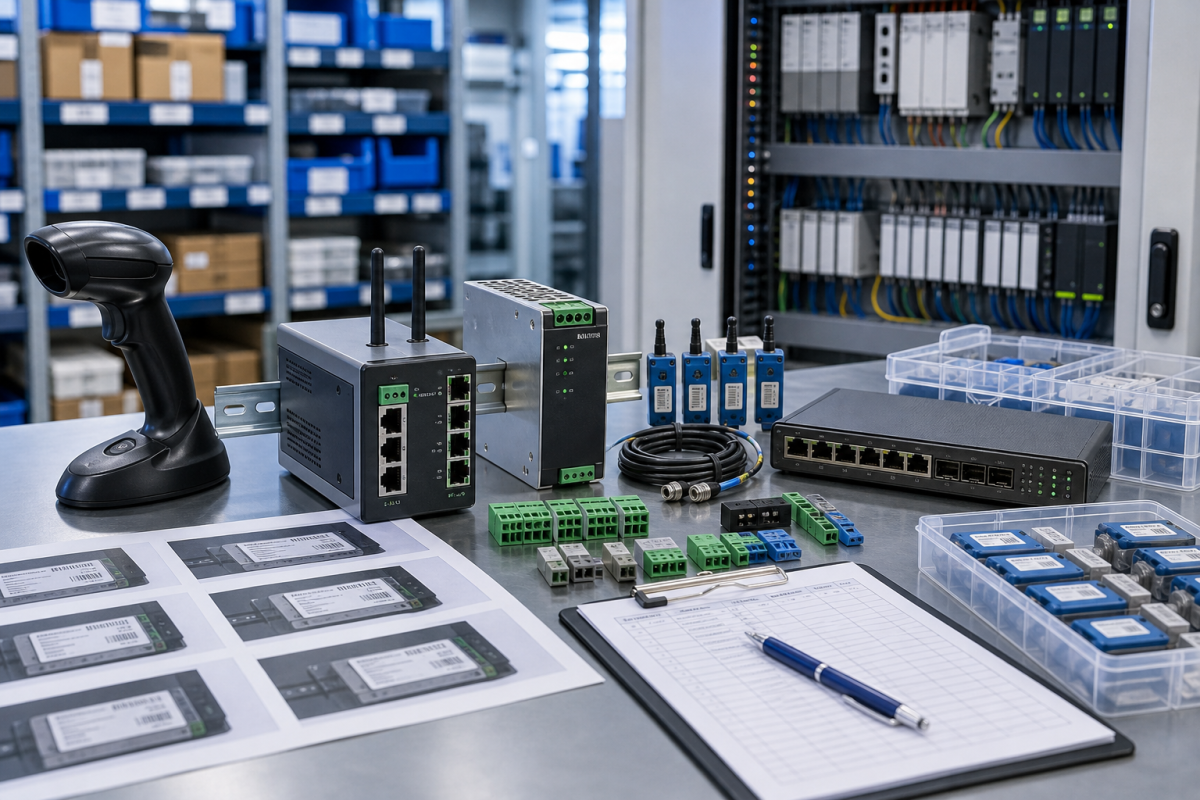
A useful RFQ includes front, rear, and label photos; power input; ports; sensor connectors; installed location; accessory list; firmware if safely visible; and whether the hub is paired to a platform or local controller. Do not send passwords, tokens, or private cloud credentials.
This follows the Konmask industrial automation RFQ guide: photos and exact identity before price. Small devices are easy to misquote because accessories, power supplies, and paired sensors can be separated from the main unit.
If the hub supports a nonproduction facility function, say so. If it supports a critical utility or compliance record, say that too. The operational role changes acceptable condition, dispatch urgency, and whether a substitute can be considered.
Separate hardware from pairing and configuration
Many IoT hubs require app pairing, certificates, cloud accounts, local network approval, or sensor enrollment. A hardware spare is useful only if someone can restore those relationships. The RFQ should not include secrets, but the spare record should name the owner and restoration step.
Ask suppliers what is included: hub only, power adapter, mounting bracket, sensor leads, antenna, packaging, or documentation. A field-ready kit is different from a device-only quote, and the buyer should compare them separately.
Substitutes should be marked as conditional. Similar hubs may differ in radio, sensor compatibility, power, cloud support, firmware, or mounting. Engineering or facility ownership must approve before the item is treated as a usable spare.
Make small-device purchasing less fragile
Keep accepted and rejected matches. If one offer fails because the power input, connector, radio, or sensor pairing is wrong, record that reason. The next buyer should not repeat the same check.
Receiving inspection should include photos of labels, ports, included accessories, and packing condition. If cloud or platform pairing remains untested, label the spare accordingly.
The main procurement risk is treating an IoT hub as a generic consumer device. In a plant, it may be part of an operational workflow, and the RFQ evidence should reflect that.
Procurement and receiving checks
The RFQ should separate immediate replacement, planned stock, and test-bench use. Those needs may point to different condition levels, accessories, and dispatch priorities. Emergency recovery needs exact evidence and realistic shipment timing. Planned stock can allow time for substitute review. Test-bench hardware can sometimes accept a narrower configuration, as long as it is labeled clearly and never confused with an approved production spare.
Ask suppliers for actual photos, accessory scope, condition language, warranty terms, and the expected dispatch path. Device-only quotes should be compared against complete-kit quotes with care. A lower price can become expensive if a missing cable, antenna, power supply, terminal plug, storage device, or mounting part forces a second shipment during a maintenance window.
Receiving inspection should mirror the RFQ. Compare labels, ports, accessory count, visible condition, packaging, and included documents before the item enters stock. If firmware, software, or backup status remains unknown, mark it unknown. Known uncertainty is much safer than quiet assumption, especially when a different buyer or technician may pull the spare months later.
Keep the evidence useful after the order
The work should not stop when the purchase order is placed. Save the original RFQ photos, supplier photos, accepted quote, receiving photos, and engineering notes together. That file becomes the next buyer’s starting point. It also protects the maintenance team when the same device family appears in a later advisory, outage, or migration review.
For critical spares, add a short status label: exact match, possible substitute, repair option, test bench only, or not approved for production. This prevents a conditional item from being pulled as if it were already accepted. It also helps stores staff understand why two similar-looking devices may not be interchangeable.
Finally, review the record after the next maintenance window. If a cable, power item, software file, antenna accessory, or configuration owner became the bottleneck, add that lesson to the standard kit. Spare planning improves when the purchase history and the field repair history are allowed to meet.
Risk grading keeps the process realistic. Not every edge device deserves the same shelf depth. Rank by production consequence, travel time, lead time, substitute confidence, configuration complexity, and who can approve the restore. This gives procurement a defensible reason to prioritize one spare kit over another.
A short quarterly review is enough for many sites. Pull the highest-risk records, confirm the spare still exists, check whether accessories are still boxed with it, and verify that the named technical owner is still current. This small habit catches quiet drift before it turns into downtime.
FAQ
Are IoT hubs relevant to industrial spare sourcing?
Yes, when they support facility monitoring, remote visibility, environmental data, utility alerts, or OEM equipment used by operations.
What photos should be sent for an IoT hub RFQ?
Send model label, front, rear ports, power adapter, sensor connectors, installed location, and accessory photos.
Can a similar hub be substituted?
Only after checking sensor compatibility, power, radio or network support, firmware, cloud pairing, mounting, and restoration steps.
Where should details be sent?
Use the Konmask contact channel with safe photos, quantity, condition requirement, destination, and deadline.
Send Konmask your IoT hub photos, accessory needs, platform context, quantity, and deadline. We can help turn a vague edge-device request into a model-checked RFQ.
© 2026 Konmask. All rights reserved. Official Website: https://www.konmask.com Inquiry: support@konmask.com | WhatsApp/Tel: +86 19859288691
